A reliable AI workflow is closer to a checklist than a clever phrase. It names the result, supplies only relevant knowledge, gives tools a narrow purpose, and defines how the output will be checked. The model can vary; the process remains understandable.
Why one giant prompt eventually fails
Long prompts often mix unrelated concerns: tone, company policy, reference material, temporary data, file paths, command rules, and the current request. When the result is wrong, you cannot tell which part caused it. The prompt also consumes context on every request even when most instructions are irrelevant.
Another common mistake is encoding a successful answer rather than a successful process. “Write reports like the last one” hides the important decisions. A reusable workflow states the audience, required evidence, output structure, constraints, and validation steps explicitly.
Use four instruction layers
Layer 1: permanent assistant behavior
The system prompt should contain rules that apply to nearly every task: be honest about uncertainty, preserve user data, explain failed tool actions, and follow the operating system's command conventions. Avoid stuffing domain manuals into this layer. Permanent instructions are paid for in context every time.
Layer 2: reusable expertise
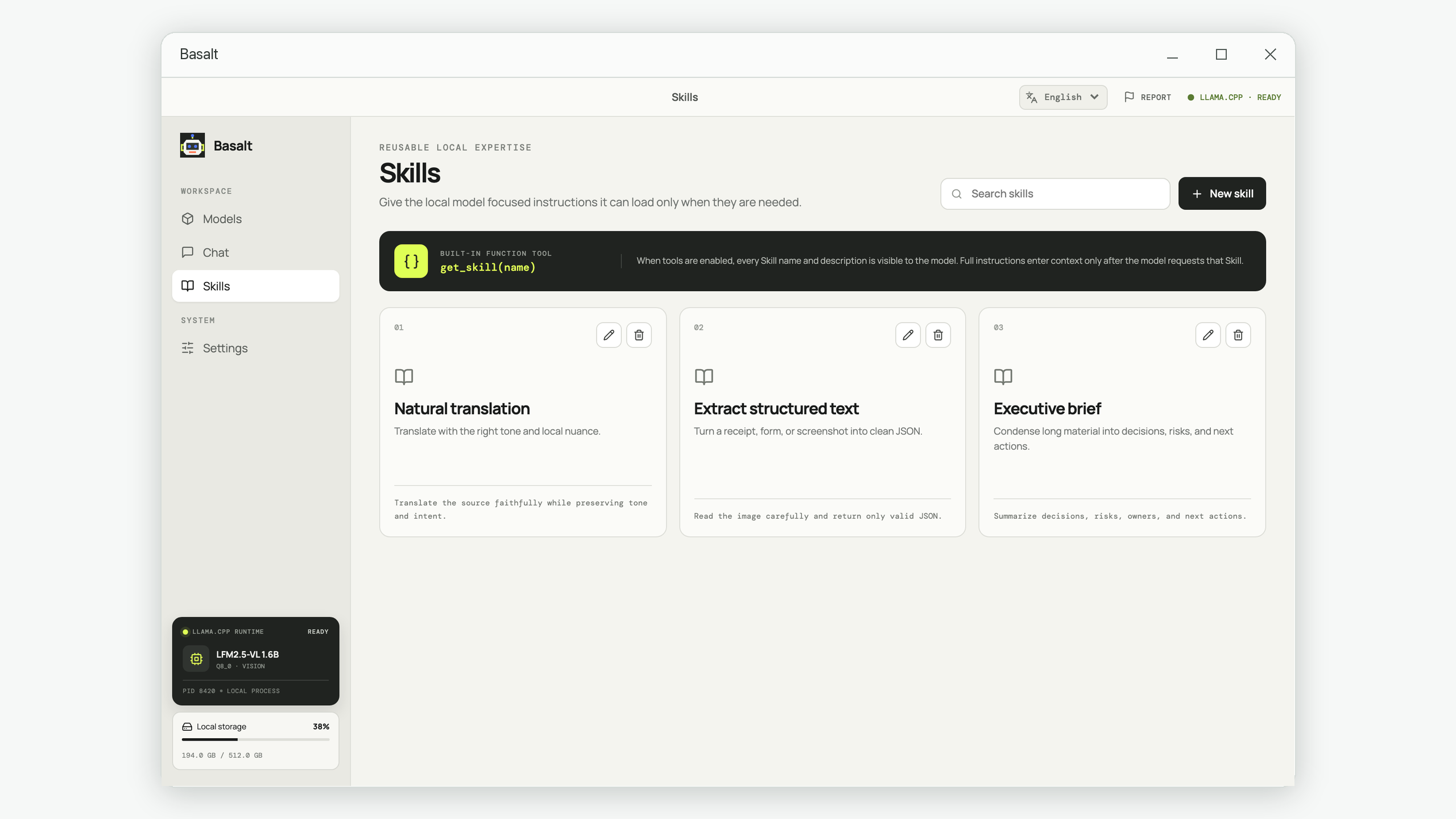
Store focused procedures as Skills or instruction modules. Examples include “review a contract change,” “prepare a release note,” or “audit a landing page.” Give each module a clear name and description so the assistant can discover it, while loading the detailed content only when the task calls for it.
Layer 3: current task context
This is the user's actual goal, source material, constraints, and desired output. It should be specific and temporary. Include the audience, deadline, file or image inputs, and acceptance criteria. Do not copy permanent policies into every task.
Layer 4: tools and permission
Tools turn suggestions into actions: read a file, inspect an image, save a script, edit content, or execute a command. Every tool needs a defined scope and a visible result. Read-only inspection can often run with low friction; destructive, networked, or security-sensitive actions deserve explicit review.
Write a Skill the model can actually use
A strong reusable instruction has six parts:
- Trigger: the situations where this Skill applies—and where it does not.
- Required input: the files, facts, or choices needed before work begins.
- Workflow: a short sequence with decision points, not a vague list of principles.
- Output contract: headings, fields, format, length, and the intended audience.
- Validation: checks the assistant must run before it claims completion.
- Stop conditions: missing authority, dangerous actions, ambiguous targets, or evidence that requires user input.
Useful description “Turns technical change notes into a customer-facing release note with a summary, benefits, limitations, upgrade steps, and a factual review against the supplied change list.”
Use commands and file tools without losing control
Tool use should follow the smallest-action principle. Read the target before editing it. Save substantial code to a file instead of trying to build it through fragile shell quoting. Run the smallest relevant check. Show the exit status and preserve enough output to diagnose a failure.
| Action | Typical handling | Reason |
|---|---|---|
| Read a known file or list a directory | Allow within the selected workspace | Inspection is reversible and needed for context |
| Write a new file at an explicit path | Show path and preserve existing data | The effect is visible and normally recoverable |
| Replace or delete existing content | Review target and request approval when material | The action can destroy user work |
| Network request or credential access | Require an explicit, narrowly scoped decision | Data can leave the local boundary |
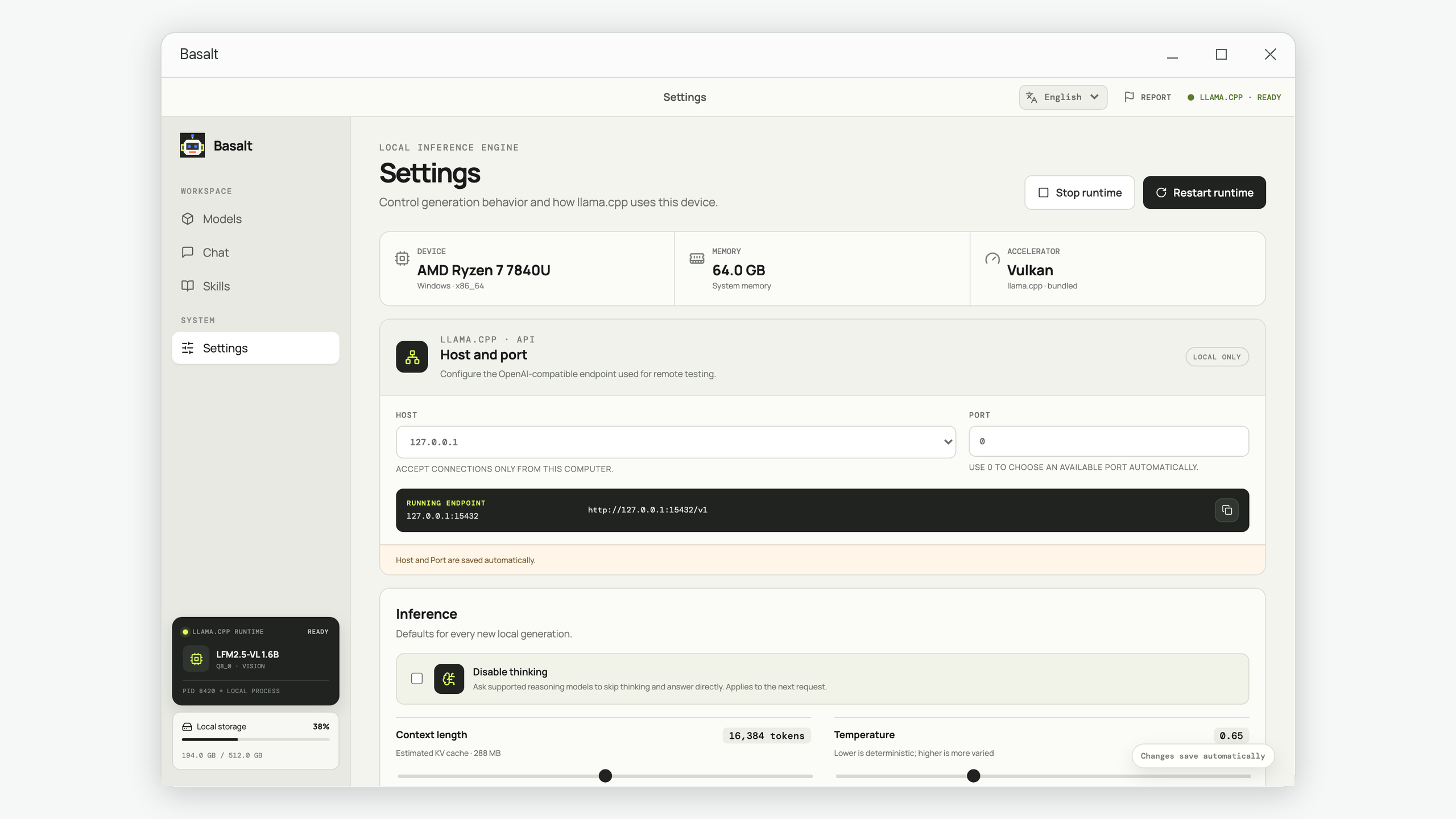
An automatic safety review is useful, but it should not replace clear user control. Approval settings should take effect during a running tool sequence, and the user should always be able to stop the conversation. Persist each tool call and result as it happens so an application restart does not erase the audit trail.
Test workflows with representative cases
Create three small tests: a normal request, an incomplete request, and a risky request. The normal case should produce the required artifact. The incomplete case should ask for the missing input instead of inventing it. The risky case should stop before an irreversible or networked action.
Record the model, prompt version, inputs, tool calls, final output, token use, and elapsed time. When a failure teaches you something, turn it into a regression case. This is more useful than endlessly adding warning sentences to the prompt.
- The finished result and intended reader are explicit.
- Permanent rules are separate from domain instructions.
- Detailed Skills load only for relevant tasks.
- Tool inputs, outputs, and failures remain visible.
- Material changes and network access have clear approval rules.
- The user can stop a long tool sequence.
- Completion requires a real validation step.
Copyable workflow template
Use when: [Trigger and exclusions]
Required input: [Files, facts, permissions]
Process: 1. Inspect. 2. Plan. 3. Produce. 4. Validate.
Output: [Format, sections, audience, limits]
Checks: [Commands, comparisons, factual review]
Stop when: [Ambiguity, missing authority, risky action]
Basalt implements this separation with an editable system prompt, discoverable local Skills, file and command tools, approval controls, streaming tool history, and response statistics. The same layered design works in other assistants, automation tools, and team playbooks.
Turn repeated prompts into local Skills
Keep reusable expertise organized, load it only when relevant, and preserve the full conversation and tool trail on your device.
Build workflows in Basalt