01
Vision Chat
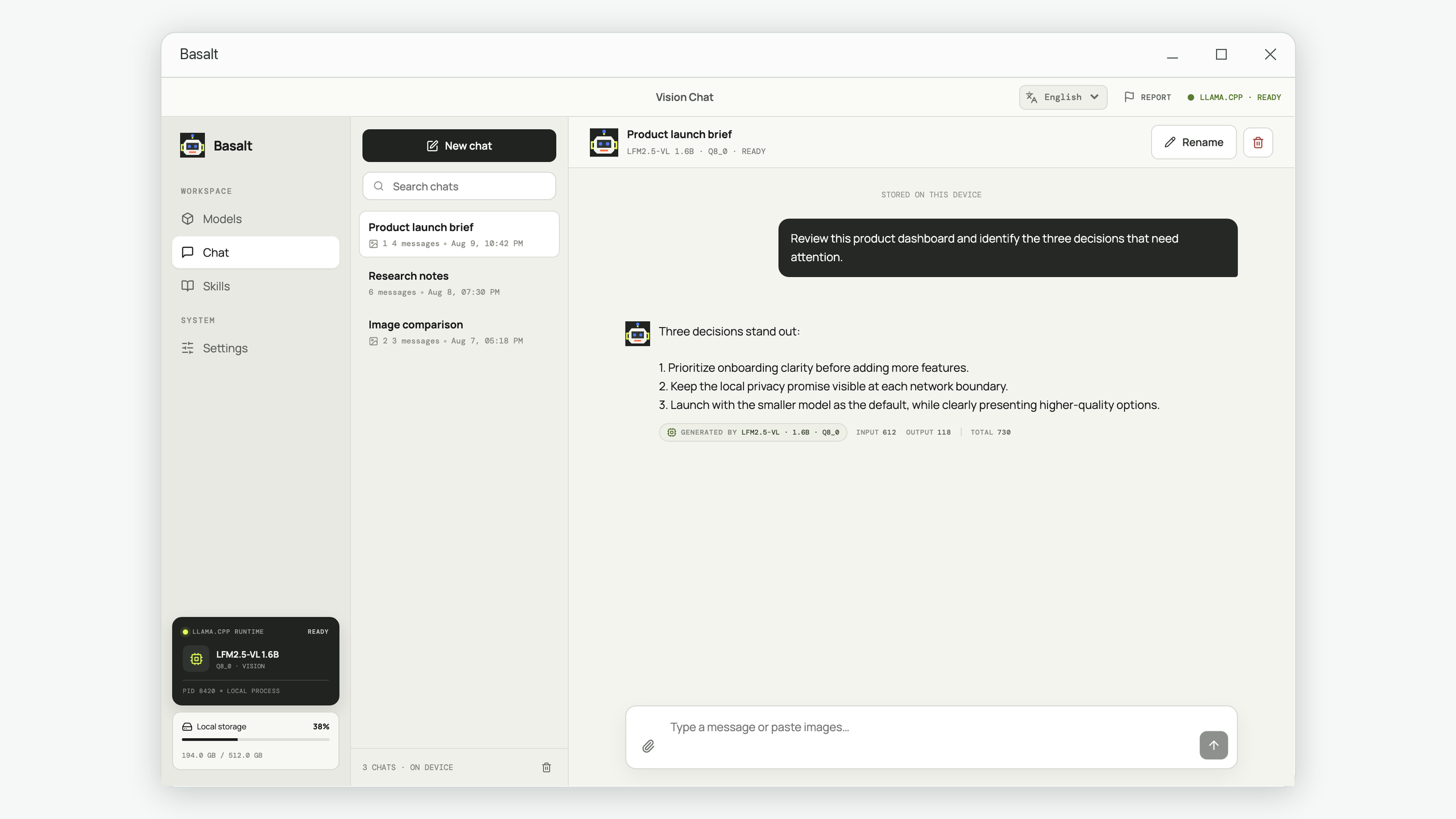
Work naturally with text and images while keeping conversation history on your computer.
Chat with text and images, give the model reusable Skills, and choose models that fit your computer—without sending your private workspace to an account or cloud history.

Basalt organizes local AI into durable workflows: conversations you can find again and focused Skills the model can load only when needed.
Work naturally with text and images while keeping conversation history on your computer.
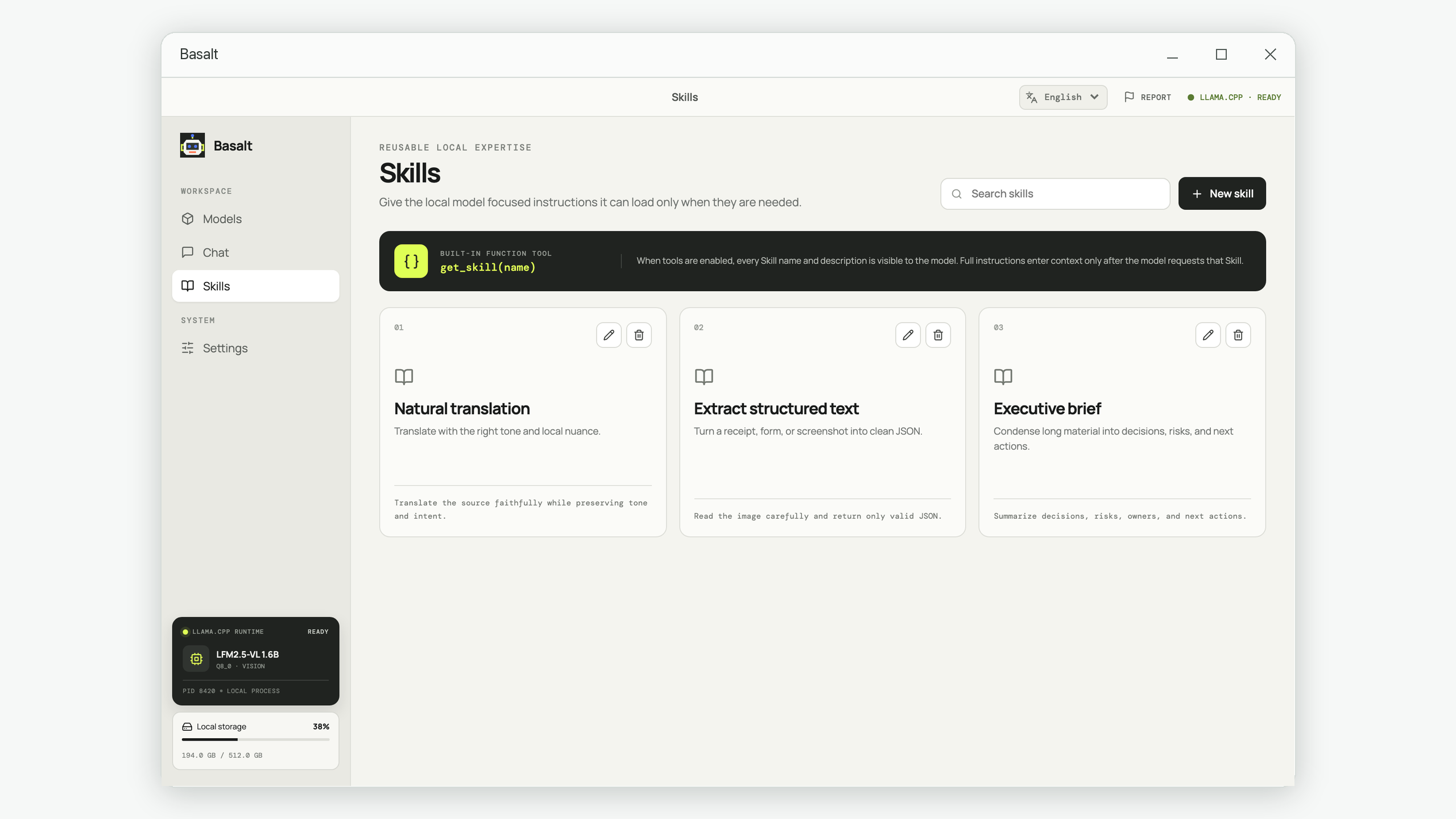
Define reusable expertise with a name, description, and detailed local instructions.
Compare focused model options with clear size, quality, memory, and disk requirements.
Basalt blocks downloads when your computer lacks the memory needed to run the model.
Skill details enter the conversation only after the local model requests them by name.
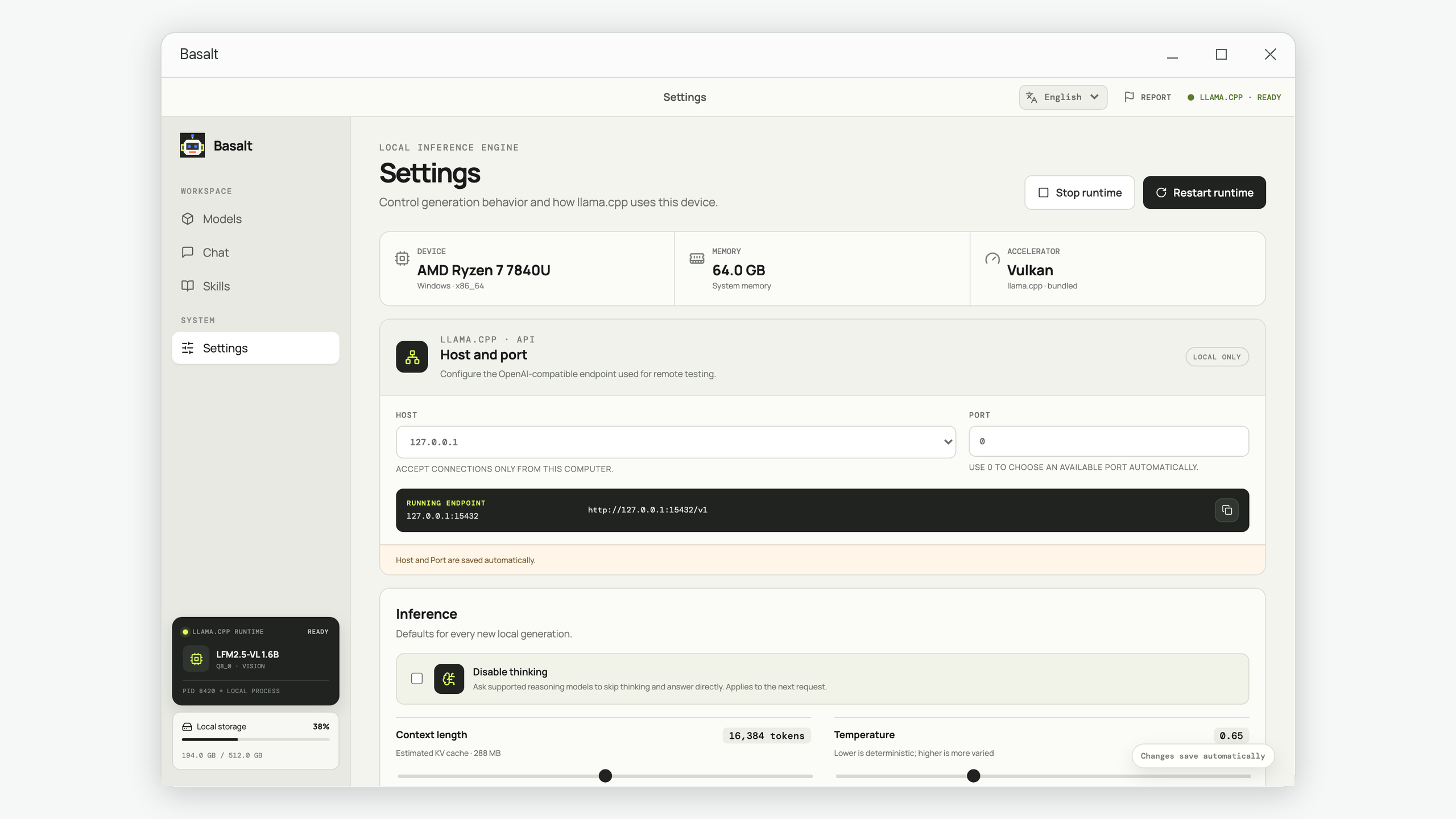
Adjust the system prompt, context, creativity, token limits, and performance settings.
These are current Basalt screens, shown at their natural 16:9 proportion so the interface remains clear on every screen size.
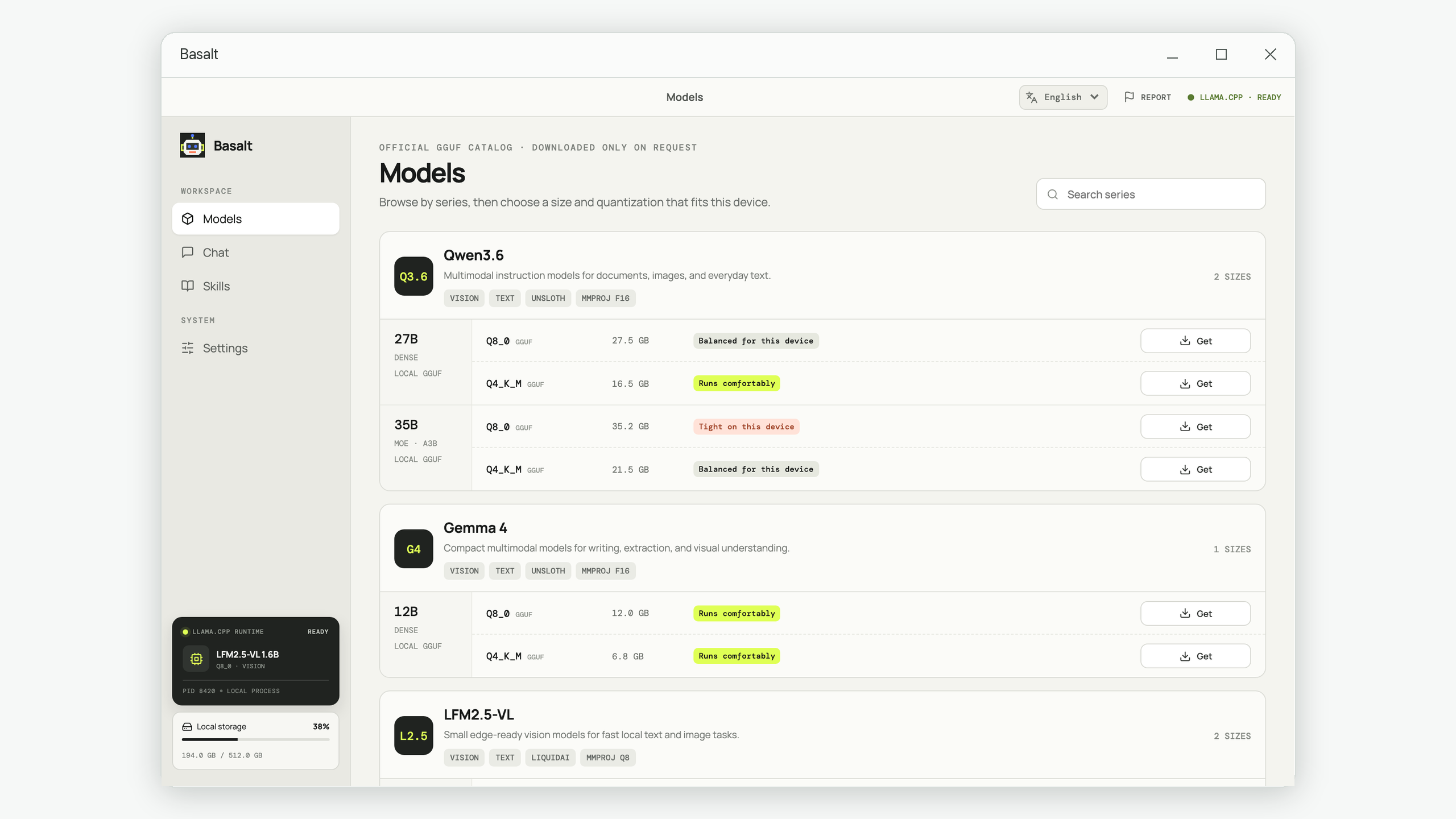
See the complete memory and disk requirement before a large model download can begin.
Use private chats and reusable Skills instead of recreating the same instructions.
Edit the default system prompt and let the local model fetch relevant Skill details on demand.
Detailed tutorials about private AI, GGUF model selection, multi-image analysis, and dependable AI workflows. Each guide is useful even if you use another local AI application.
A practical path from hardware checks to a local, testable workflow for sensitive documents and images.
Understand weights, context, image projectors, and GGUF quantization before you download the wrong model.
Prepare comparable images, write an evidence-first prompt, and verify what the vision model actually saw.
Separate permanent rules, reusable expertise, task context, and tool permissions so assistants behave consistently.
No. Basalt does not provide an account system, cloud history, or cloud synchronization.
Your conversations, Skills, settings, and downloaded models are stored locally on your device.
Core inference runs locally. An internet connection is needed only for user-directed actions such as downloading a model or opening an external support or Store link.
You choose the model. Before download, Basalt compares its complete memory requirement with your system memory and checks available disk space.
The model always sees each Skill name and description. Full Skill instructions enter the conversation only when the local model calls get_skill with that name.
Yes. You can edit the system prompt in Settings or restore the Basalt default at any time.
The interface supports English, Simplified Chinese, Traditional Chinese, Japanese, Korean, French, German, Spanish, and Italian.
Email support@iamdev.me with questions, issues, or feedback.
Private chat, reusable tools, and models chosen for your device.